Hello @roger ,
Thanks for reaching out. Hexnode UEM offers a feature that allows you to schedule the deployment of policies on specific days based on your preference. First, you’ll need to create a policy to blocklist the apps. Follow the steps below:
- Log in to your Hexnode UEM portal.
- Navigate to the Policies tab and click on New Policy to create a new one. Enter the Policy Name and Description in the provided fields.
- Navigate to macOS > App Management > Blocklist/Allowlist and click Configure.
- Choose the Blocklist option and click on +Add to add either an app or a group of apps to the blocked list.
- Once you have selected all the apps, click Done and then click Save.
For more information on blocklisting apps, refer to the documentation on blocklisting apps on macOS devices.
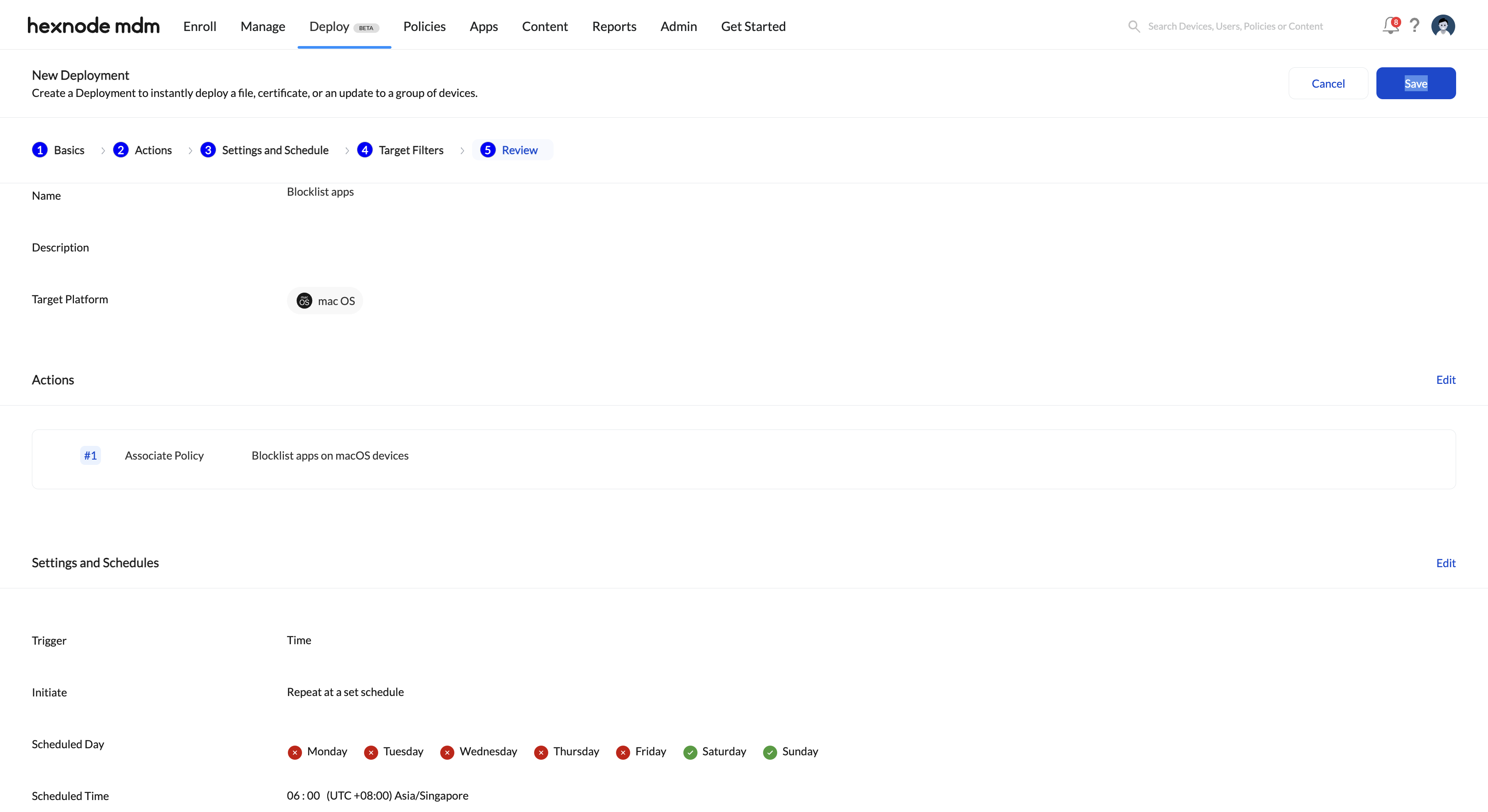
Second, to schedule this blocklisting policy on all devices based on your preference, you can utilize Hexnode’s Deployment feature. You can configure the policy to be associated on specific days according to your requirement.
Regards,
John Cooper,
Hexnode UEM
 What's new

 1158 Views